Medicine stock management for small clinics: batches, reorder levels and counts
For clinics and dispensaries that keep their own medicine stock. , 9 minute read.
Running out of a common antibiotic on a Friday evening and throwing away a box of expired syrup at the end of the month are two sides of the same problem: stock that is not tracked closely enough. A small clinic does not need a warehouse system to fix it. It needs a few habits and a stock list that keeps itself up to date.
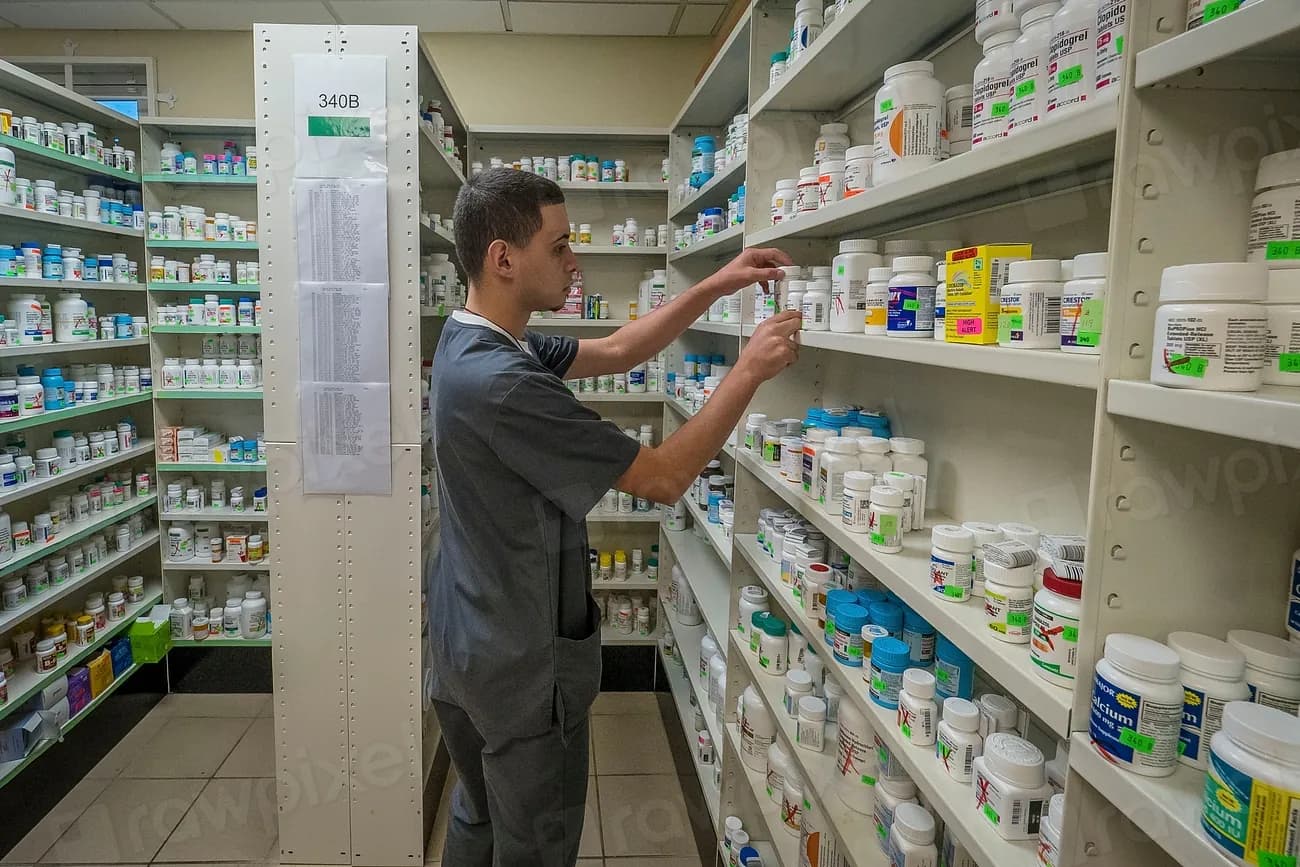
What good stock management looks like
At any moment you should be able to say how much of each medicine you have, which batch it belongs to, when it expires, what it cost and when to order more. If those answers live only in the dispenser’s head, the clinic is one sick day away from trouble.
Receive every delivery properly
Stock records go wrong at the door. When a delivery arrives, enter each item before it goes on the shelf, with the details that matter later.
- The quantity, in the unit you issue (tablets, capsules, bottles), not boxes.
- The batch number printed on the pack.
- The expiry date.
- The cost of one unit, so your profit on medicines is real.
- The supplier, so you know who to call about a faulty batch.
Keep the supplier’s invoice with the date you entered it. If a count is ever wrong, this is where you will look first.
Set a reorder level for every medicine
A reorder level is the quantity at which you order more. Set it high enough to last until the next delivery arrives, with a little spare for a busy week.
- You issue about 60 capsules a day.
- Your supplier delivers 3 days after you order.
- Allow 2 extra days for a busy week or a late delivery.
- 60 × (3 + 2) = 300 capsules
- Reorder level: 300
Use your own issue figures from the last month rather than a guess. Doc365 shows any medicine below its reorder level as a low-stock alert on the dispensary page.
Issue the batch that expires first
On the shelf, keep the batch that expires first at the front. In the records, issue from the same batch, so the stock list matches what is actually there. This is often called “first expiry, first out”.
Doc365 does this automatically: when a medicine is issued, it comes from the unexpired batch with the nearest expiry date, and an expired batch cannot be issued at all.
Watch expiry dates every month
Once a month, look at everything that expires in the next three months. Move it to the front, use it first, and if you hold more than you can issue in time, ask the supplier whether they will exchange it.
Our guide to keeping expired medicines off your counter covers this routine in detail.
Count, then adjust with a reason
However careful you are, the shelf and the records will drift apart: a strip dropped behind a cupboard, a bottle broken, a sample given away. A regular count catches it before it grows.
- Count your fastest-moving medicines every week and everything else once a month.
- Count when the dispensary is closed, so nothing is issued mid-count.
- Where the count and the records differ, adjust the batch and write down why.
- Write off expired stock instead of deleting it, so the loss shows in your figures.
Every receipt, sale, return and adjustment should leave a line in the stock history, so you can see exactly what happened to a batch.
Know your profit on medicines
With the cost of each batch and the selling price of each medicine, you can see the profit the dispensary makes, not only the takings. It shows which medicines are priced too low and whether expired stock is eating into the margin.
Getting started
Begin with the 30 or 40 medicines you issue most. Enter what is on the shelf, with batches and expiry dates, set a reorder level for each, and add the rest as new deliveries arrive. Within a month the stock list will be complete without a long setup day.
Doc365 keeps batches, expiry dates, reorder levels, adjustments and stock history together with prescriptions and billing. See Doc365 for dispensaries, compare plans and prices, or start a free trial.
Questions people ask
What is a reorder level?
The quantity at which you order more of a medicine. Work it out from how much you issue a day and how many days a delivery takes, plus a few days spare.
What does first expiry, first out mean?
Issuing the batch with the nearest expiry date before newer batches, so stock is used before it expires. It applies both on the shelf and in your records.
How often should a clinic count its medicine stock?
Fast-moving medicines weekly and everything else monthly is a practical routine for a small dispensary. Count when nothing is being issued.
Can I export my stock list?
Yes. Doc365 exports stock to a CSV file you can open in Excel, along with patients, bookings, bills and visit notes.